Apple Watch widget setup
I’ve decided to do a super quick post on my Apple Watch setup and my rationale behind it.
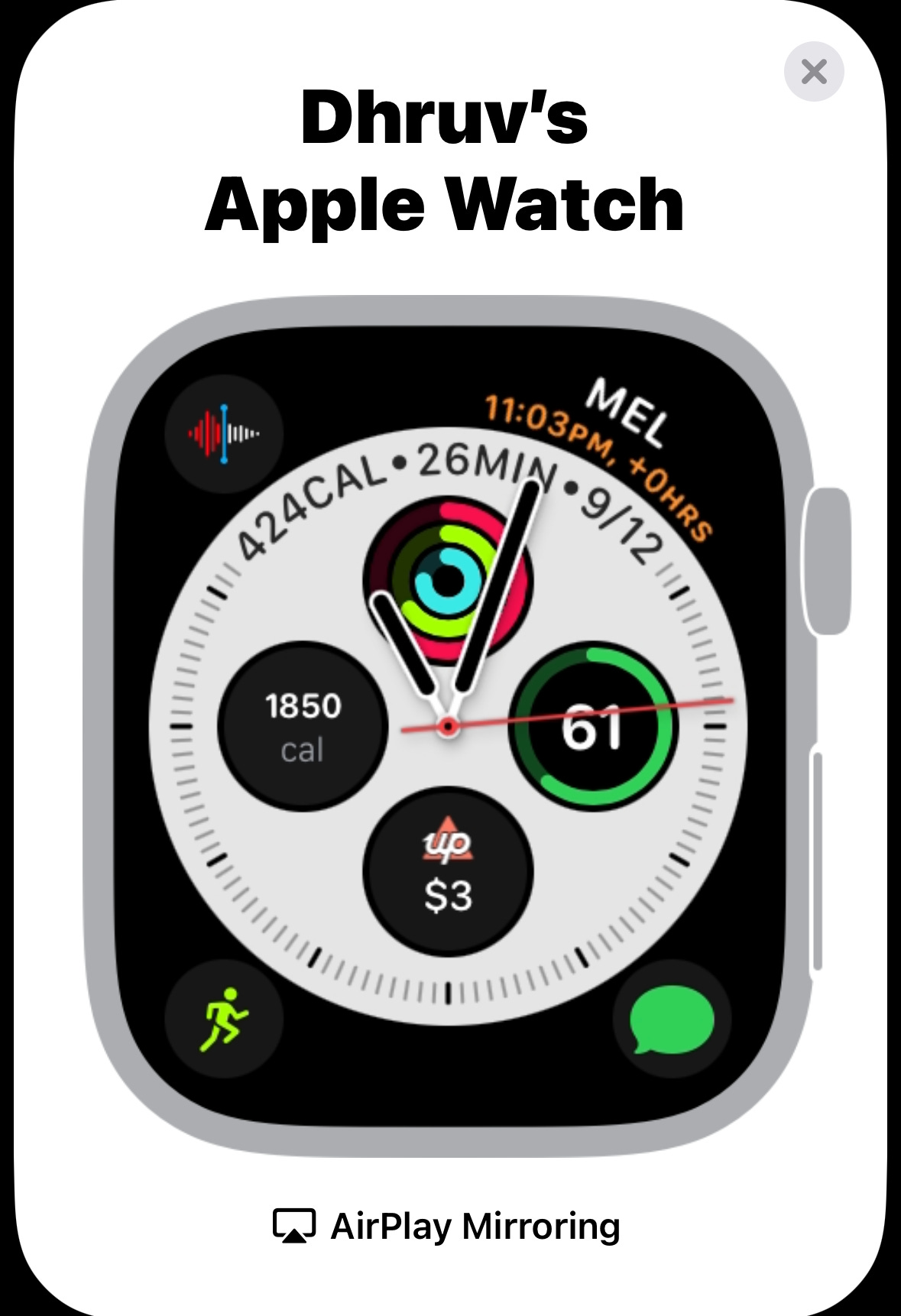
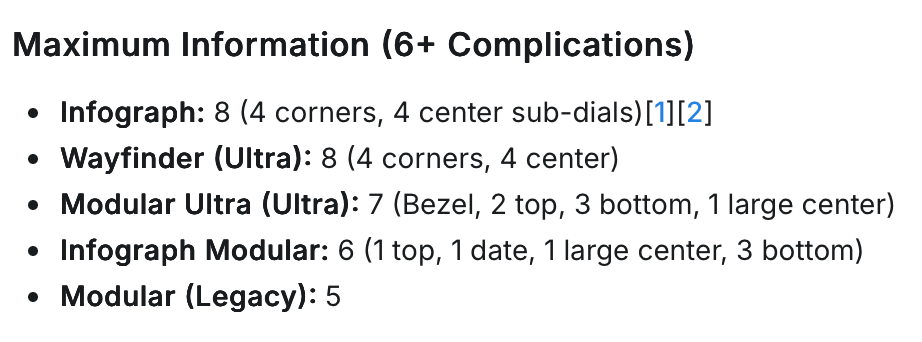
I decided to go with the ‘Infograph’ watch screen because it holds the highest number of complications (the customisable widgets around the watch).
Initially I had complications for workouts, reminders, and timers, but they can all easily be activated by Siri so I quickly got rid of them.
I record a ton of voice memos and the Apple Watch mic is pretty good when I’m driving, I find that recording on my mounted phone is lower quality than just using my Apple Watch passively.
Up has an insanely nice to have feature where you can check your balances and activities at a glance, they also offer iPhone lock screen complications and home screen widgets.
I never read the analog time, so one complication always has to be the digital time.
The only complication i’d swap out is the Workouts complication, its functionality can basically be completely controlled by Siri (starting specific workouts etc) but I’m not sure what I’d swap it out for. Ideally an Obsidian widget if they ever made one!
Super quick post, made something cool today that I’ll share tomorrow!
Subscribe to the newsletter
Get the latest posts delivered right to your inbox.